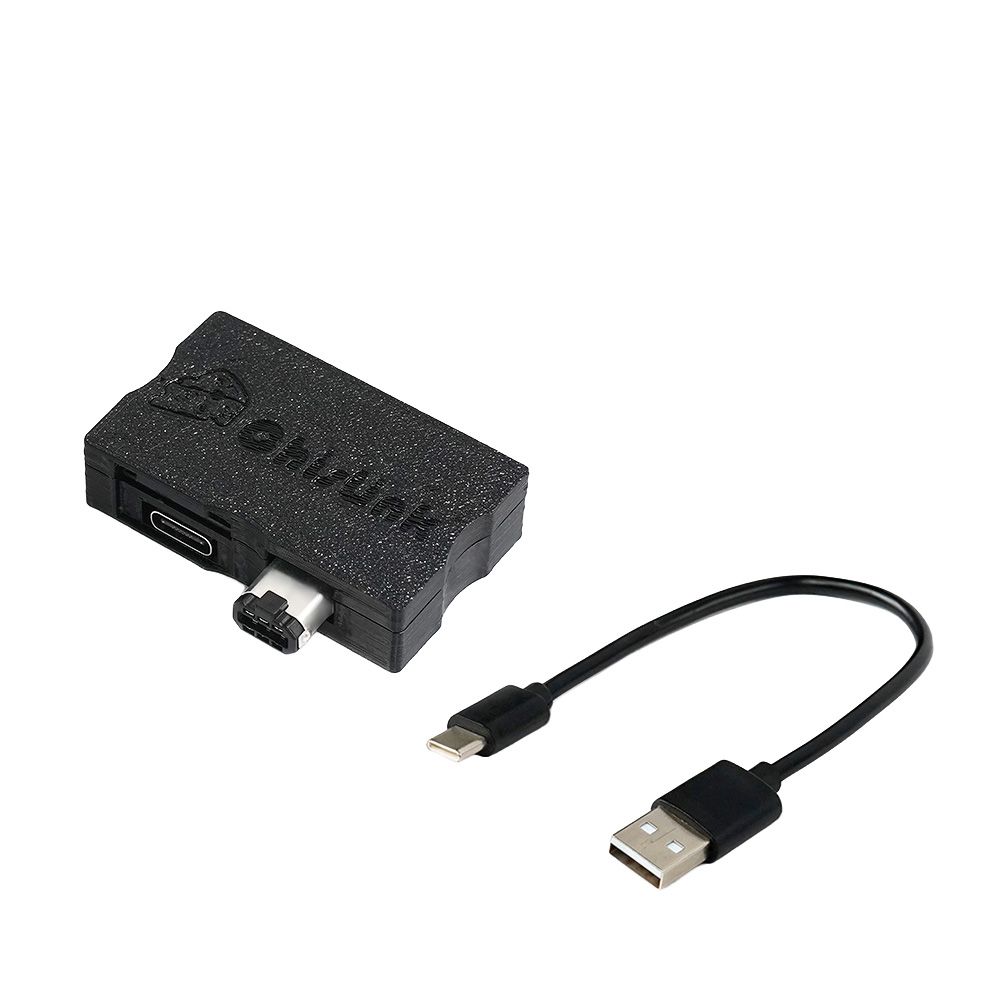
I. Safety Precautions
Anti-Brick Backup (Critical Operation)
-
Initial Setup
- Use a TF card with MBR partition table and single-partition format
- Ensure
signature.bin(license file) exists in/configdirectory - Mandatory Backup of this file to secure location
-
Firmware Programming Specifications
- Verify TF card contains correct
signature.binbefore flashing - Missing file will bricked device
- Verify TF card contains correct
II. Device Startup
| Scenario | Boot Method |
|---|---|
| No cartridge in GBA slot | Auto-launch Link or custom App |
| Cartridge inserted | Hold START+SELECT combo |
III. Cartridge Management
1. Cartridge Identification
Format Example:
ChisFlash-J-32M-F1M
- Field Analysis:
- ChisFlash: Compatible types (ChisFlash/Bootleg/Cartridge)
- J/S: NOR Flash model abbreviation
- 32M: Max 32MB(256Mb) capacity support
- S/F/B/E(1M): Save type marker (SRAM/Flash/Battery-less/EEPROM)
2. Save Management
| Function | Instruction |
|---|---|
| Backup (Auto) | Auto-detect save type to /saves/gamename/backup.sav |
| Backup (DB) | Follows database rules (anti-misidentification) |
| Restore Save | Select "DB" mode for genuine carts |
3. Special Functions
- Multi-cart Menu:
- For ChisFlash 01G/02G
- Press
SELECTto switch views - Press
Ato select game for save/ROM management
- Hardware Details:
PressL+Rto view (include this in compatibility reports)
4. ROM Backup
- Backup current cartridge
IV. Filesystem
Directory Structure
Root/
├── saves/        # Save files
├── favorites/    # Favorites
└── config/       # System config
└── dumps/        # ROM dumps
File Operations
| Operation | Constraints |
|---|---|
| Auto-rename | auto-recognizes ROM names for .gba |
| Move/Delete | Folder operations unsupported |
| Hotkeys | START toggles extensions. D-pad navigate pages |
V. WiFi
Connection Modes
| Config Type | Path/Parameter | Notes |
|---|---|---|
| Built-in | SSID: Bach<br>Password: chisbread | Takes effect immediately |
| TF Card Config | /config/web.conf |
Preserved after firmware updates |
Advanced Settings
- /config/web.conf
wifi_disable=0          # Disable WiFi
wifi_lazy_connect=1     # Recommended (reduces power)
wifi_max_power_adjust=0 # Power adjust range(-16~16)
VI. Advanced Features
Overclock Programming
- Activation: Press
STARTon main menu - Indicator: "@Bread" (capital B) shown bottom-right
- Notes:
- Unsupported on all GB Micro models
- Disable overclock if CRC fails
VII. Credits
- Butano
- devkitPro
- gba-link-connection
VIII. Miscellaneous
Firmware Upgrade
- Connect to PC via USB
- Visit esptool-js page
- Select
USB JTAG/serialto flash
Note: Compatible with ChisFlash MBC5 cartridges. GBC requires dedicated adapter (not standard)